Pixtov › Guides › Free design, no login
Free online design – no login, no sign-up
Open the site and start designing right away. No account, no email and no password. Your designs are saved in your own browser.
Free · no sign-up · no watermark · works on phone and computer



What you get, free
- Start in one click
- No email, no password
- Designs saved in your browser
- Hebrew and English
Start from a template

How does it work without an account?
Pixtov runs in your browser. Your designs are saved automatically in that browser, under “My designs” on the editor’s home screen. Nothing needs to be uploaded, and your own photos stay on your device.
If you clear the browser data, the designs are deleted. For important work, also use Save project: it downloads one project file that you can open later, or on another computer, with Open project.
How it works
- Press “Start designing”. The editor opens in your browser, nothing to install.
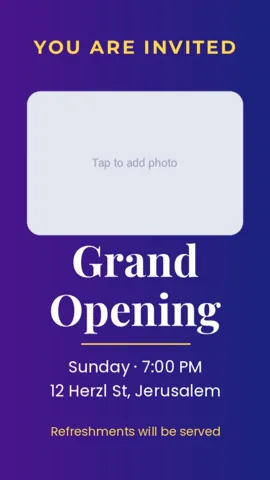
- Pick a template and change the words, colors and photos.
- Download a PNG, JPG or PDF. Print it or send it on WhatsApp.
Questions and answers
Where are my designs saved?
Automatically in your browser, under “My designs” on the editor’s home screen.
How do I move a design to another computer?
Use Save project to download one project file. On the other computer open Pixtov and choose Open project.
Are my photos uploaded to a server?
No. Photos you add stay on your device and are not uploaded to any server.