
Design app
Pixtov Design
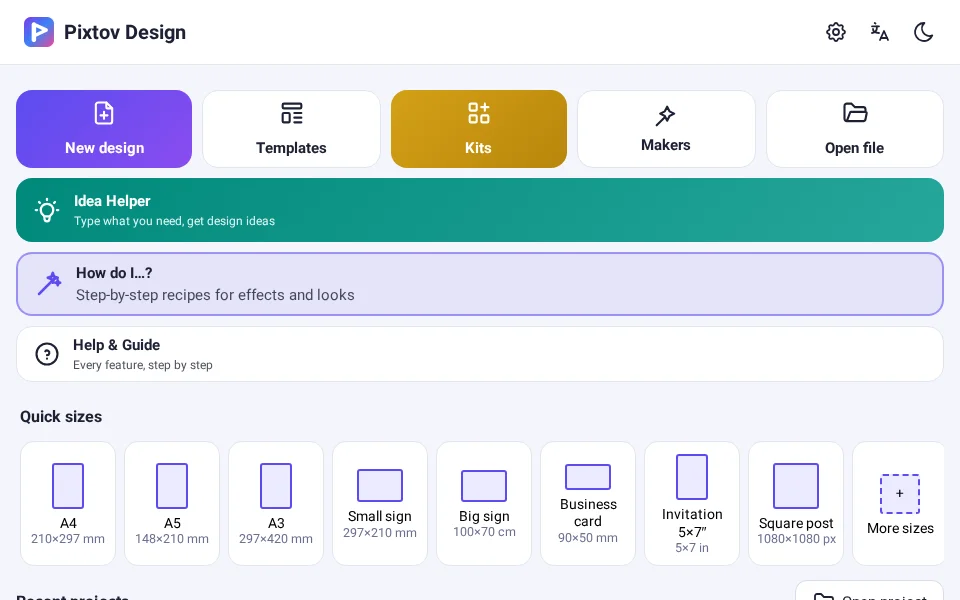
Posters, invitations, signs, stickers and text styles — with 66 Hebrew fonts and ready-made templates.
Android 5.0+ · Windows 10/11 (Chrome or Edge)


Pixtov Design makes posters, invitations and signs with beautiful Hebrew fonts. Pixtov Video turns your photos into videos with text and music, ready for WhatsApp. Use them online, or download the apps that work completely offline.
Designers, video editors and photographers — and anyone with a simcha or a business.


Posters, invitations, signs, stickers and text styles — with 66 Hebrew fonts and ready-made templates.
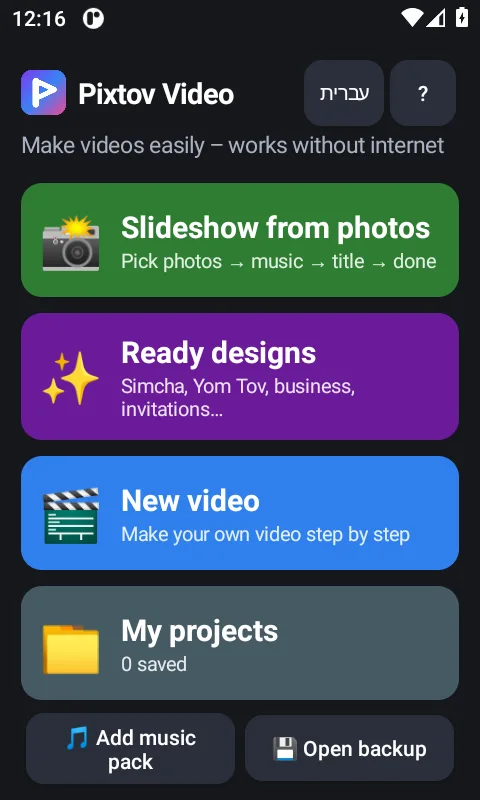
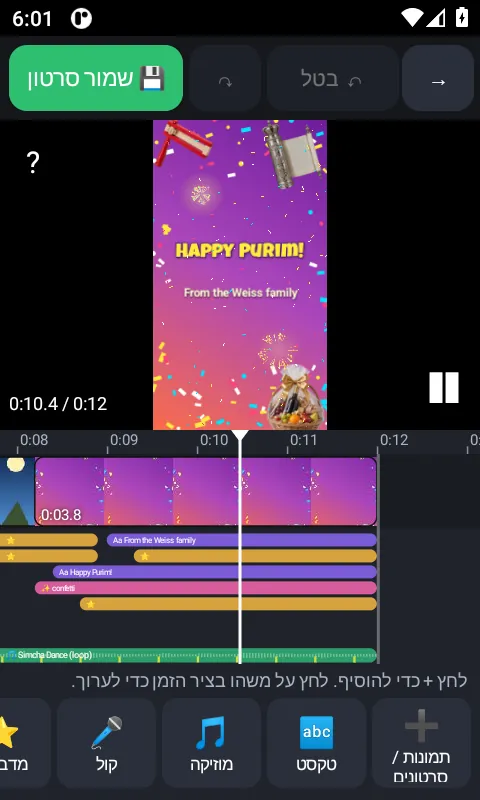
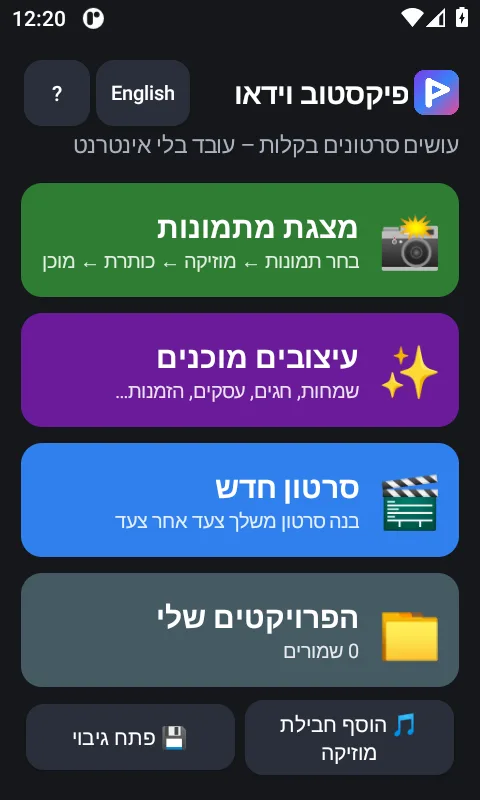
Slideshows, text, music and voice effects. Export MP4 that plays on WhatsApp.
A complete design studio in your pocket and on your computer.
The home page of this site opens Pixtov Design in your browser (Chrome or Edge on a computer), with a switch to Pixtov Video. Designs are saved in that browser only, on that computer — use “Export project file” to keep a backup.
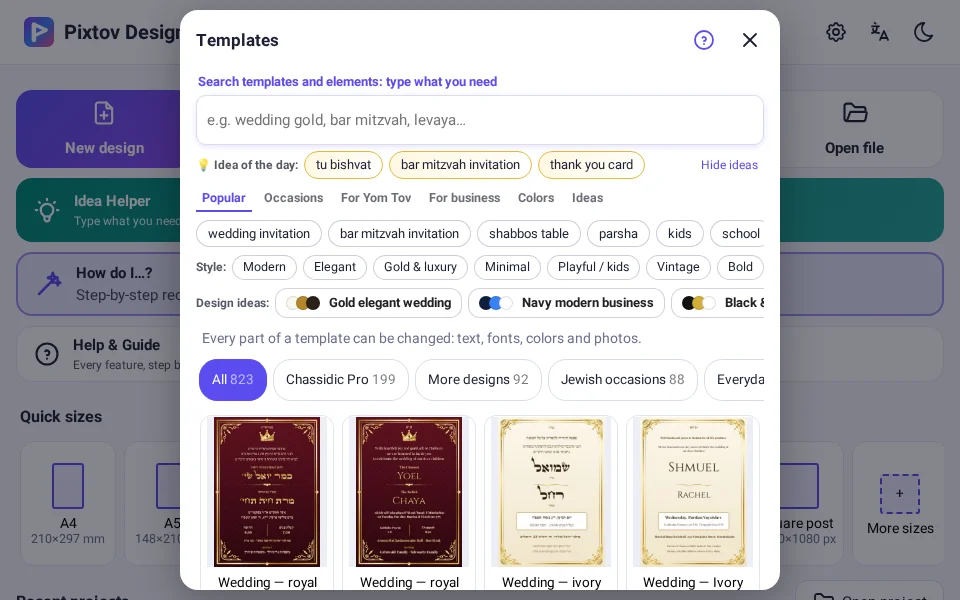
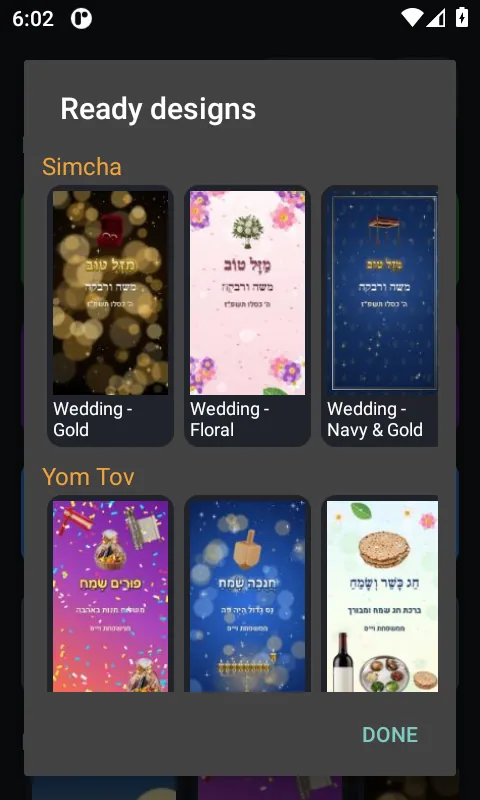
Ready designs for invitations, simchas, Shabbos and Yom Tov, business and more.
66 Hebrew fonts, including Stam and Sefer styles, with correct right-to-left text.
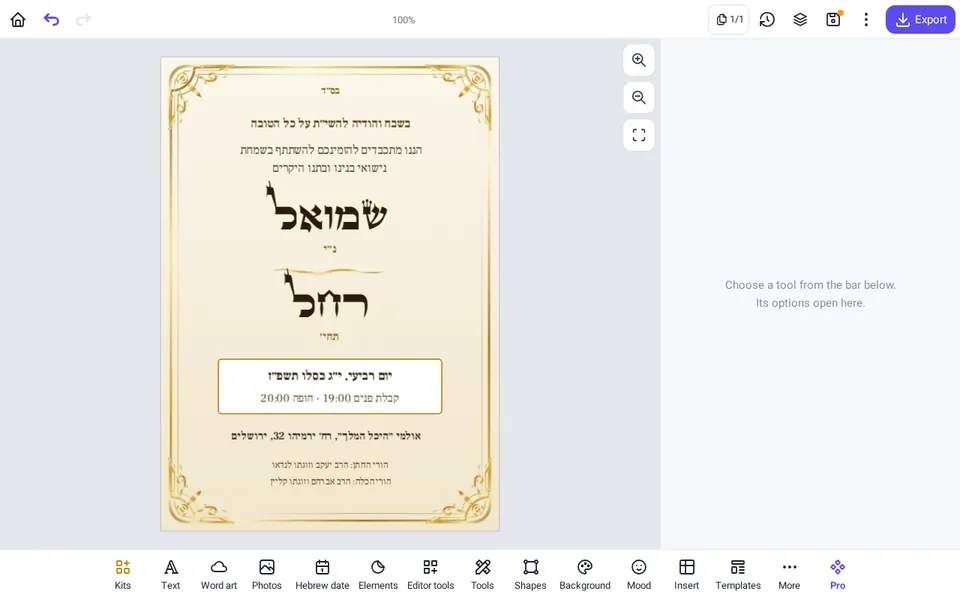
Colors, outlines, shadows, gold and 3D looks for headlines.
Frames, borders, shapes and pictures to decorate any design.
Save as PNG, JPG or PDF in A3–A6, Letter, poster, card and custom sizes.
Everything is built in. No internet, no sign-in.


Example designs. The photos come from free stock libraries, see Photo credits.
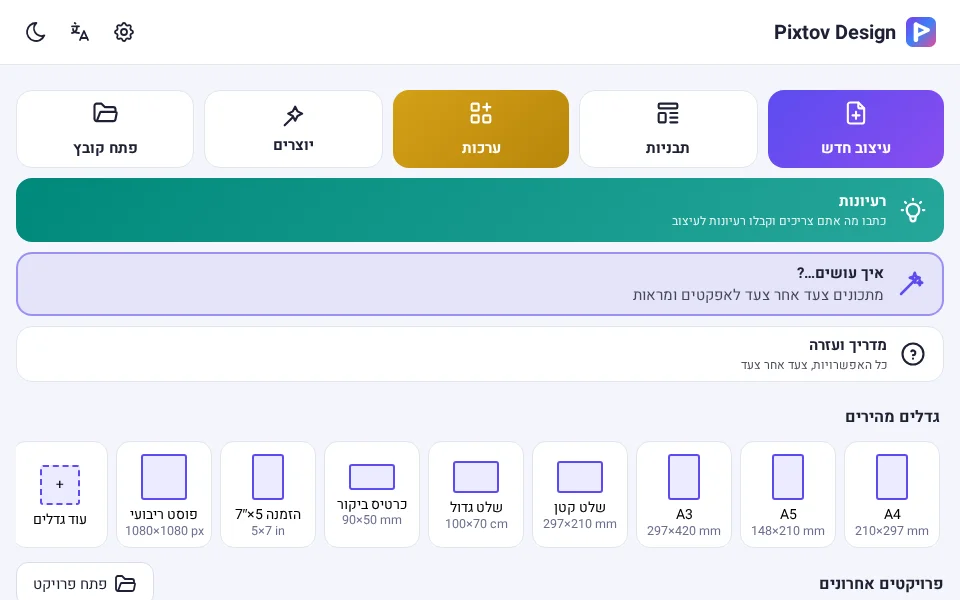
Pixtov Design for Windows needs no installation. It opens in your browser and works without internet.
Click the button below to download PixtovDesign_Windows_1.3.5.zip.
Open your Downloads folder (in Chrome or Edge press Ctrl+J).
Right-click the zip file and choose Extract All…, then click Extract. Do not open it from inside the zip.
Open the extracted folder.
Double-click START.html.
If it opens in another program, right-click START.html › Open with › Google Chrome or Microsoft Edge.
Tip: right-click START.html › Send to › Desktop (create shortcut). Your designs are saved in the browser — keep a backup with “Export project file”.
Download for Windows · 78.6 MBMake a beautiful video from your photos in a few taps.
Pick photos, choose a style, and the video is made for you.
54 text styles in Hebrew and English, with moving effects.
Built-in music, plus free music packs you can add any time.
Record your voice and apply 17 voice effects.
Export a regular MP4 video that plays on WhatsApp.
Transitions, color looks, green screen and a timeline editor.


Files are hosted right here on this site. Check the size and SHA-256 if you want to be sure the file is complete.
App: Pixtov Design 1.4 · Android 5.0 or newer
Size: 73.5 MB · PixtovDesign_1.4.apk
e8db38dc43b73ca84da61bfdbbeb4845d71fd1d081dfeb6eea8c460f77633d38App: Pixtov Design 1.3.5 (Windows) · opens in Chrome or Edge
Size: 78.6 MB · PixtovDesign_Windows_1.3.5.zip
33afa84eec84e2a52ead4576f846d9c24f66c3ee8675c3ce18a59d4994369ee2App: Pixtov Video 1.1.1 · Android 6.0 or newer
Size: 25.5 MB · PixtovVideo_1.1.1.apk
4588112089c1998923ed080162f86ed01db274f361e3f7e23c4f98e480761aafSimcha, wedding, calm, kids and more — original music.
Size: 85.8 MB · ZIP file
aaf009b297299c83ab05258724693a4ed12431fd6d0428a3c6d183542b3babc1More styles, including DJ and dance beats — original music.
Size: 69.6 MB · ZIP file
0680326ce3c026cabb5ff55bc33c3a8d57aadb6e49b9d085a31af421dd387ee3Classical pieces, nature sounds and sound effects (public domain / CC0).
Size: 92.0 MB · ZIP file
bb8ae0d340840fb0c080cd2311d2365cb282a2b2645859366efb30605afcccf0Checked in the Android app files: neither Pixtov Design nor Pixtov Video asks for internet access, so they cannot go online.
There is nothing to sign up for. No advertising or analytics libraries are included.
Pixtov Video asks for the microphone only for voice recording, and for your photos, videos and music so you can use them in a video. Pixtov Design only uses storage on older Android versions to save your designs.
The Windows version runs from files on your own computer, inside Chrome or Edge. Your designs stay in the browser on that computer.
Pixtov makes simple, clean tools for designs and videos for family, simchas, Yom Tov and business. The downloadable apps are called Pixtov Design and Pixtov Video.