

Pixtov › Free tools › Hebrew text on photo
Hebrew Text on Photo
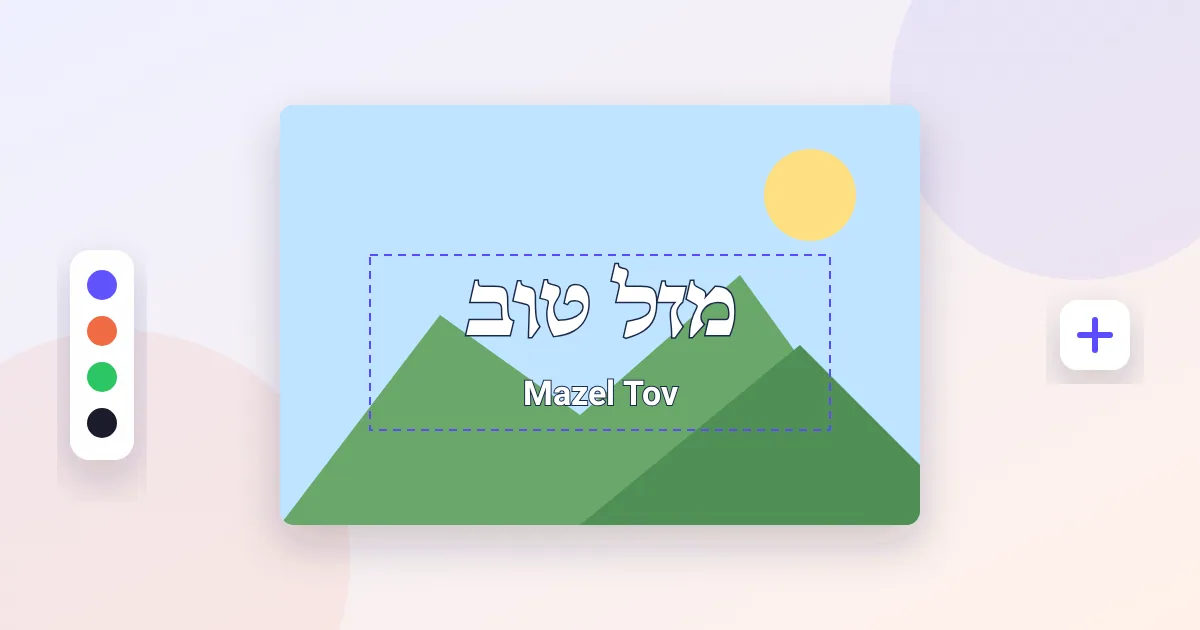
Write Hebrew on a picture the right way — right to left, with nikud-friendly fonts. Upload your photo, type in Hebrew or English, choose a font and color, and download.
Free · no sign-up · works on phone and computer
What you get
- Correct right-to-left Hebrew typing
- 66+ Hebrew fonts including script and Rashi styles
- Outline, shadow and gold text effects
- Download as JPG or PNG
How it works
- Press the button: the editor opens in your browser, nothing to install.
- Use the tool, then add text, frames and elements if you like.
- Download as PDF, PNG or JPG — print it or send it on WhatsApp.
More free tools
 Free Business Card MakerDesign a business card that looks professional.
 Free Logo MakerMake a simple, clean logo for a business, a gemach or an organization.
 Free Photo Collage MakerPut many photos together in one picture.
 Free Video Slideshow MakerTurn photos into a video with music and Hebrew titles, right in your browser.