

Pixtov › Guides › Design without watermark
Free design with no watermark
Make posters, invitations, posts and cards, and download them clean: nothing stamped on your design, no payment and no sign-up.
Free · no sign-up · no watermark · works on phone and computer
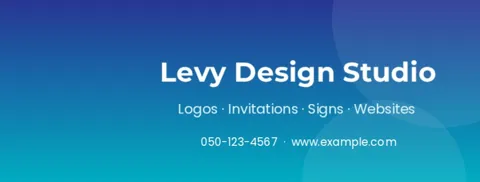


What you get, free
- No watermark on any template
- PNG and JPG for WhatsApp and social media
- PDF for printing, with bleed and crop marks
- No account needed
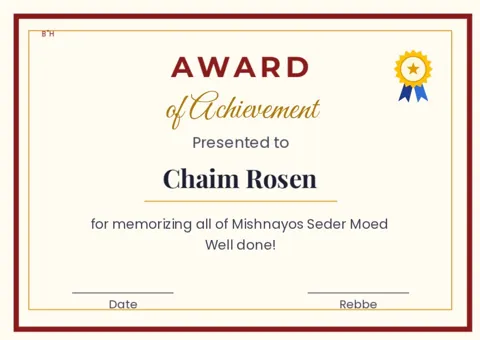
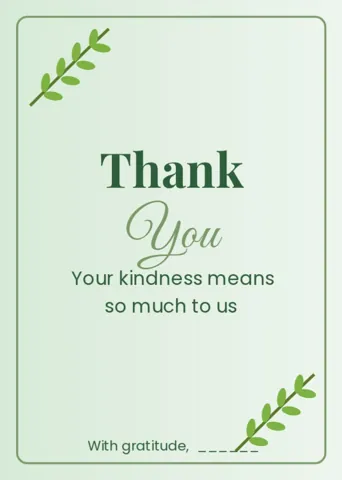
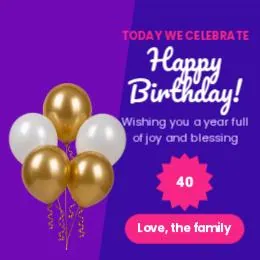
Templates you can download clean

What does “no watermark” mean?
A watermark is a logo or a line of text that some free tools stamp over your picture until you pay. In Pixtov there is no watermark: every download is clean, from every template, and there is no paid version.
Download a PNG or JPG to send on WhatsApp or post online, or a PDF to print at home or at a print shop. For designs that go to the edge of the paper, turn on bleed and crop marks so the printer can cut cleanly.
How it works
- Press “Start designing”. The editor opens in your browser, nothing to install.
- Pick a template and change the words, colors and photos.
- Download a PNG, JPG or PDF. Print it or send it on WhatsApp.
Questions and answers
Is there a paid version without the watermark?
No. There is no paid version. Every download is free and has no watermark.
Can I print my design at a print shop?
Yes. Export a PDF at print quality. Turn on bleed and crop marks for designs that go to the edge of the paper.
Can I use my designs for my business?
You own the designs you make. The fonts, icons and photos in the library are free-licensed; each keeps its own license, listed in the editor under About and credits.
More free guides
 Free design, no loginOpen the site and start. No email, no password.
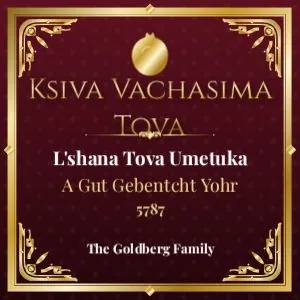 Jewish graphicsShabbos, Yom Tov, simchas and shul notices.
 Bar mitzvah invitationsName, parsha, date: print or send on WhatsApp.
 Shabbos flyersGut Shabbos statuses, kiddush flyers and store signs.
 Related toolFree tools
- All guidesFree design guides