Pixtov › Guides › Free video editor
Free online video editor
Turn photos and clips into a video with music and Hebrew or English titles, right in your browser, and save an MP4 for WhatsApp.
Free · no sign-up · no watermark · works on phone and computer
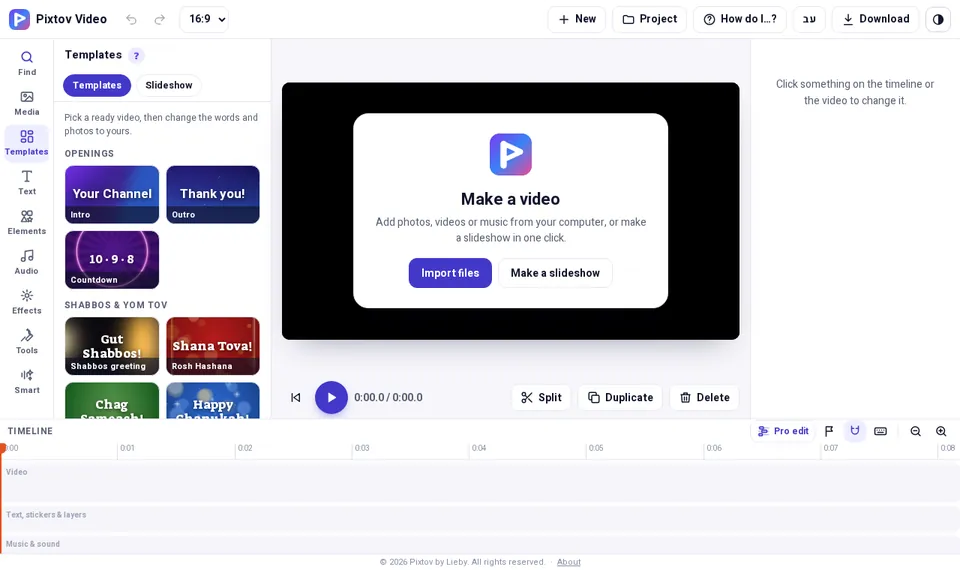
What you get, free
- Ready video templates
- Free music tracks
- Hebrew and English titles
- Save an MP4 for WhatsApp
What the video editor looks like
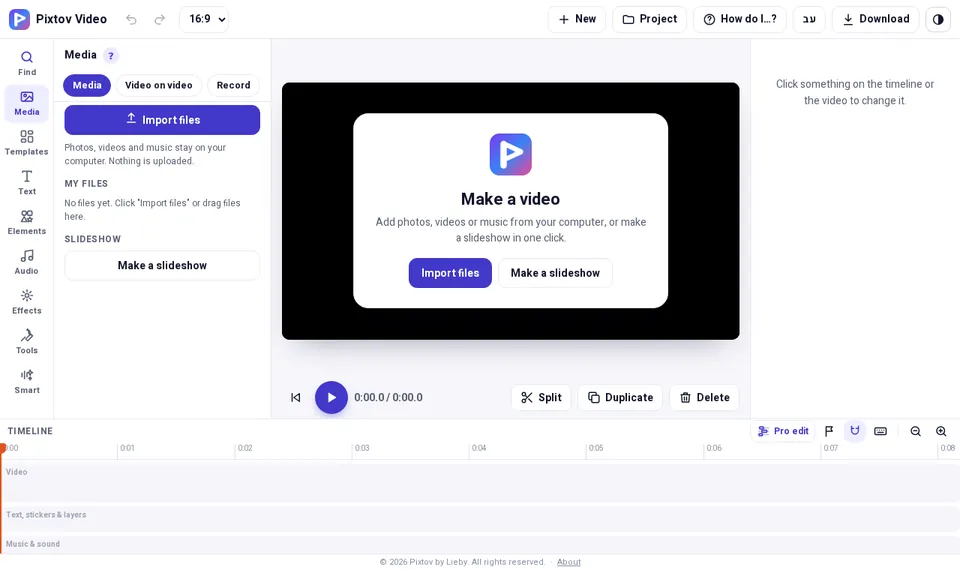
Videos for simchas, Yom Tov and business
Pick a ready video and change the words and photos, or start from your own photos and clips. Add music, titles, stickers and effects on the timeline, and cut or duplicate parts.
When it is ready, download an MP4 that plays on WhatsApp. The editor runs in your browser, so your photos and clips stay on your device.
How it works
- Press “Open the video editor”. It opens in your browser, nothing to install.
- Pick a ready video, or add your own photos and clips.
- Add music and titles, then download an MP4.
Questions and answers
Does the video have a watermark?
No. Pixtov has no watermark and no paid version.
Do I need to sign up?
No. Open the video editor and start.
Does it work without internet?
The website needs internet to open. For working fully offline, install the Android app from Downloads & info.